Bizzeonline Logo

Follow Us

Success Story

Pulse: Personal Insights & Social Connection App

Enquire Now

01 / The client

Project overview: Pulse

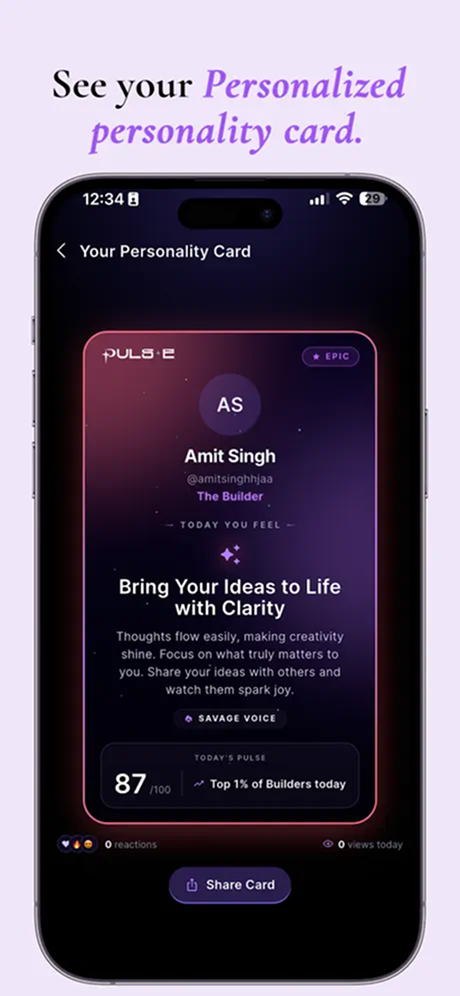
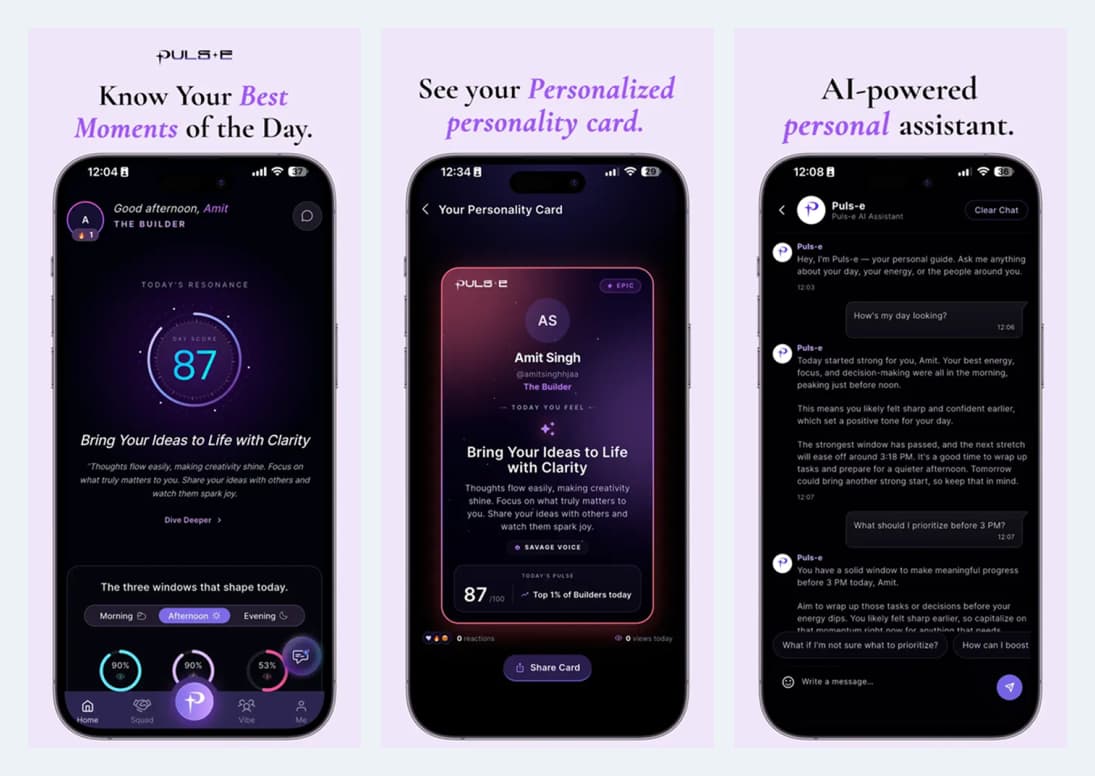
Pulse brings daily insights, personality cards, an assistant and social discovery into a mobile experience built around personal exploration.

Several ways to explore personal insights need a clear starting point and understandable movement between features.

  • Start at the daily-insights home.
  • Open the personal card and review the available profile context.
  • Move into the assistant, discovery or connections journey.
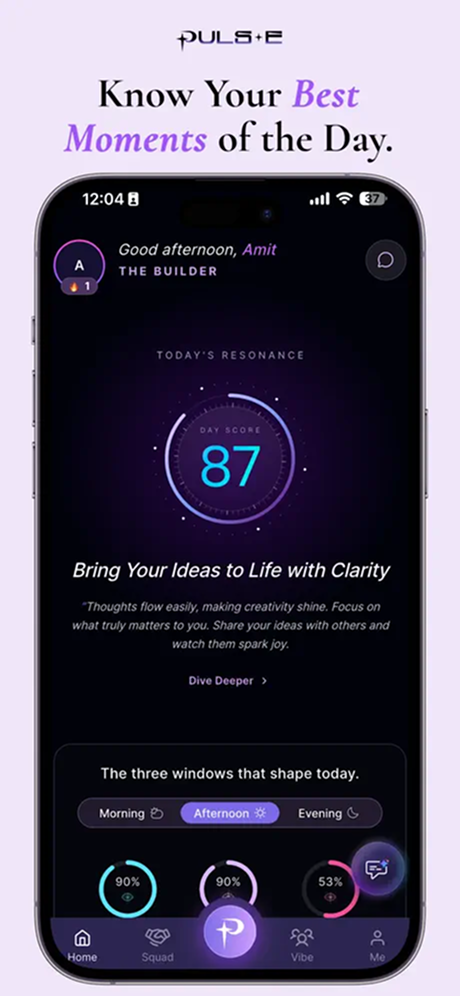
Pulse mobile app home with daily score and reflection promptsPulse app personality card and sharing interface
View full-size screens: 1 ↗2 ↗
Industry
Media & Entertainment
Services / expertise
Mobile App · Personalised Content · Social Discovery · AI Assistant

Planning a similar project? Explore our mobile app development services.

02 / The project

Personal assistant and conversation flows

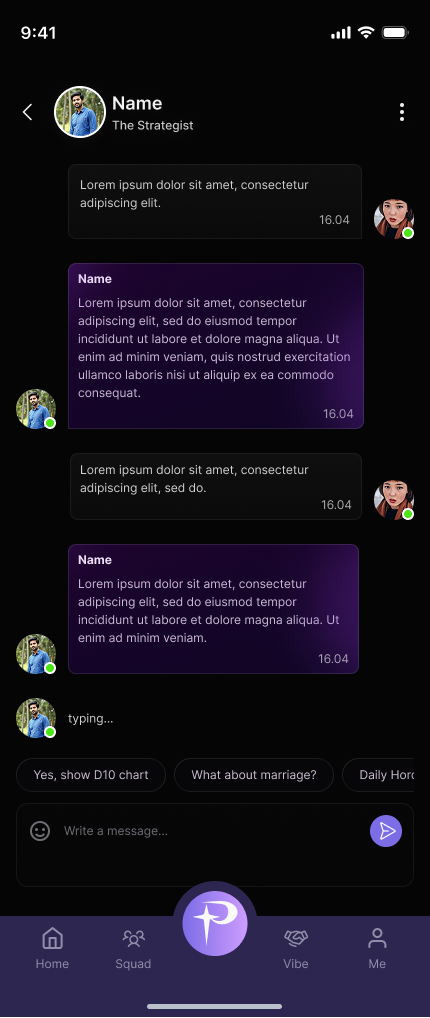
The app connects its home experience to insight cards, compatibility journeys, assistant interactions and profile settings.

  • Open the assistant or an existing conversation.
  • Choose a suggested prompt or write a message.
  • Continue the exchange through the chat interface.
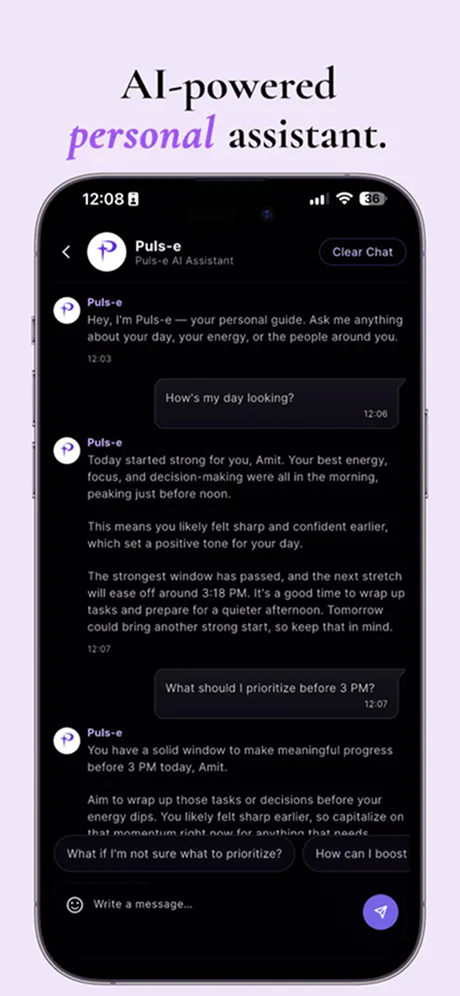
Pulse AI personal assistant conversation interfacePulse mobile chat and message composer
View full-size screens: 1 ↗2 ↗

03 / The project

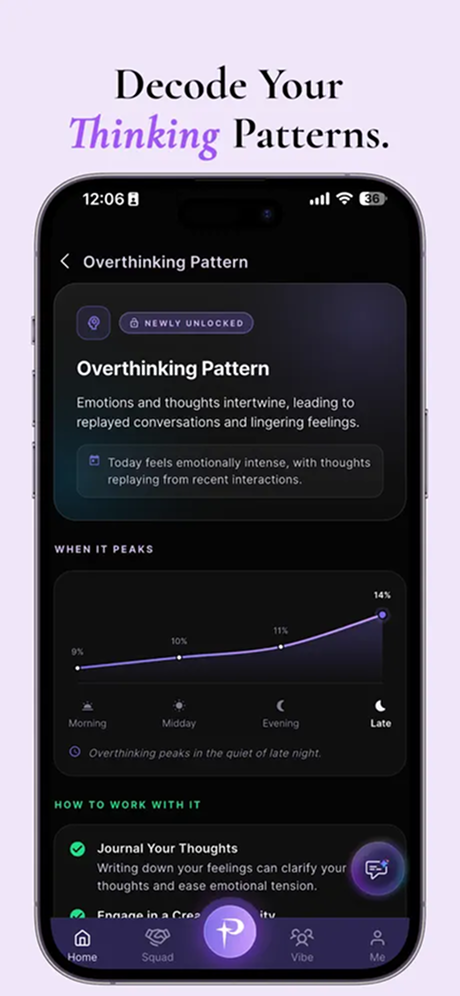
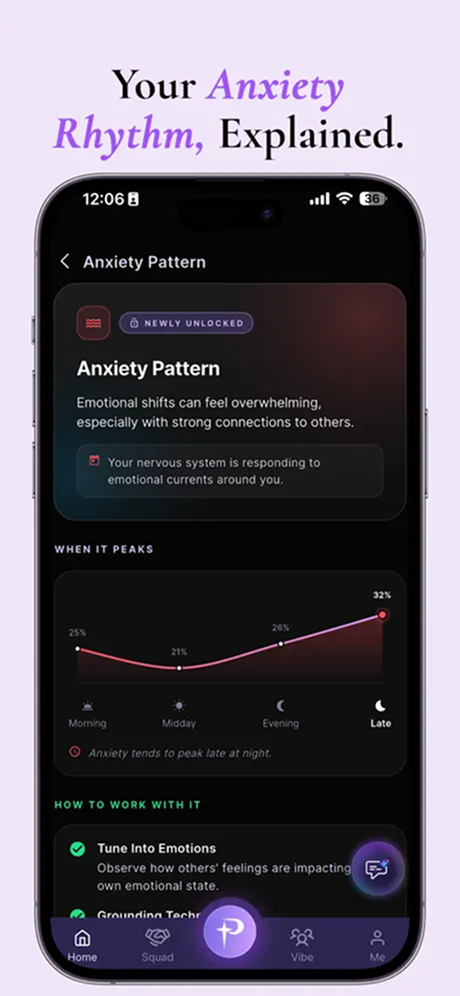
Reflection content and pattern explanations

  • Open a pattern topic from the insight experience.
  • Review the explanation and accompanying visual trend.
  • Explore the available reflective prompts.
Pulse thinking-pattern reflection contentPulse emotional-pattern reflection content
View full-size screens: 1 ↗2 ↗

04 / The project

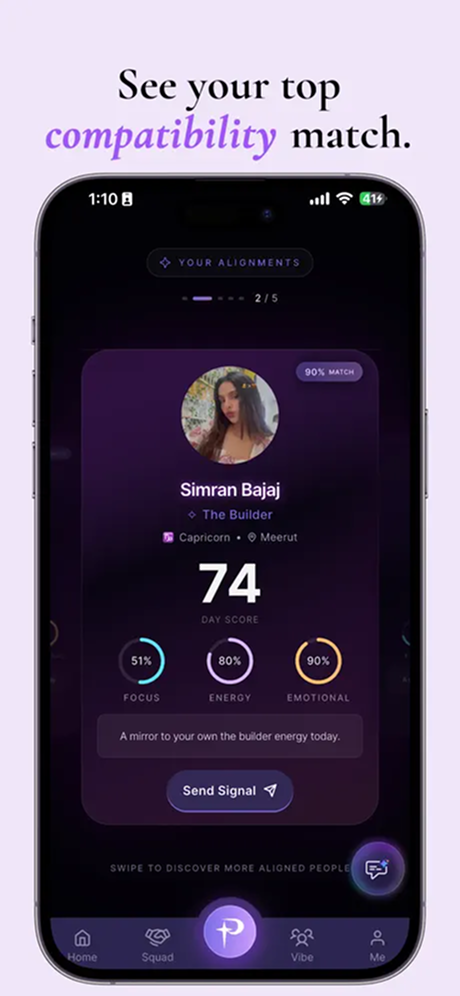
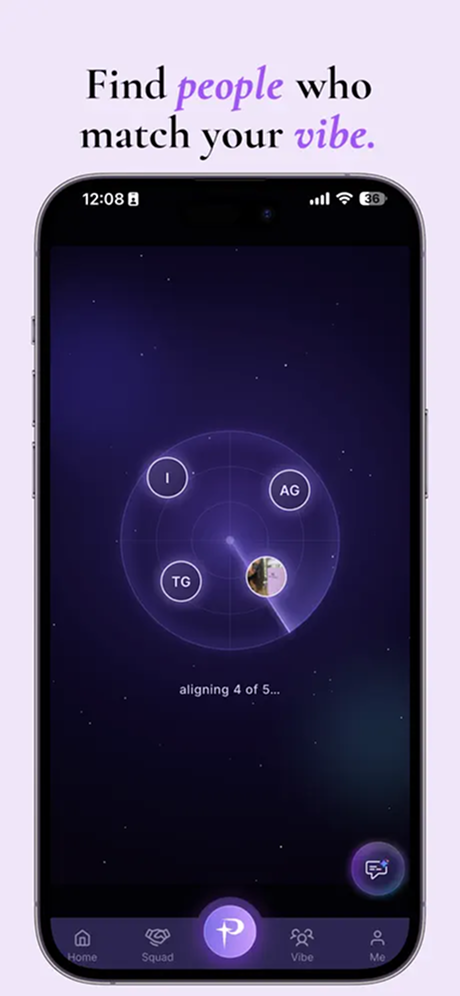
Discover people and explore compatibility cards

  • Browse the discovery experience.
  • Review a profile card and its displayed context.
  • Use the available signal or connection action.
Pulse compatibility discovery cardPulse people-discovery interface
View full-size screens: 1 ↗2 ↗

05 / The project

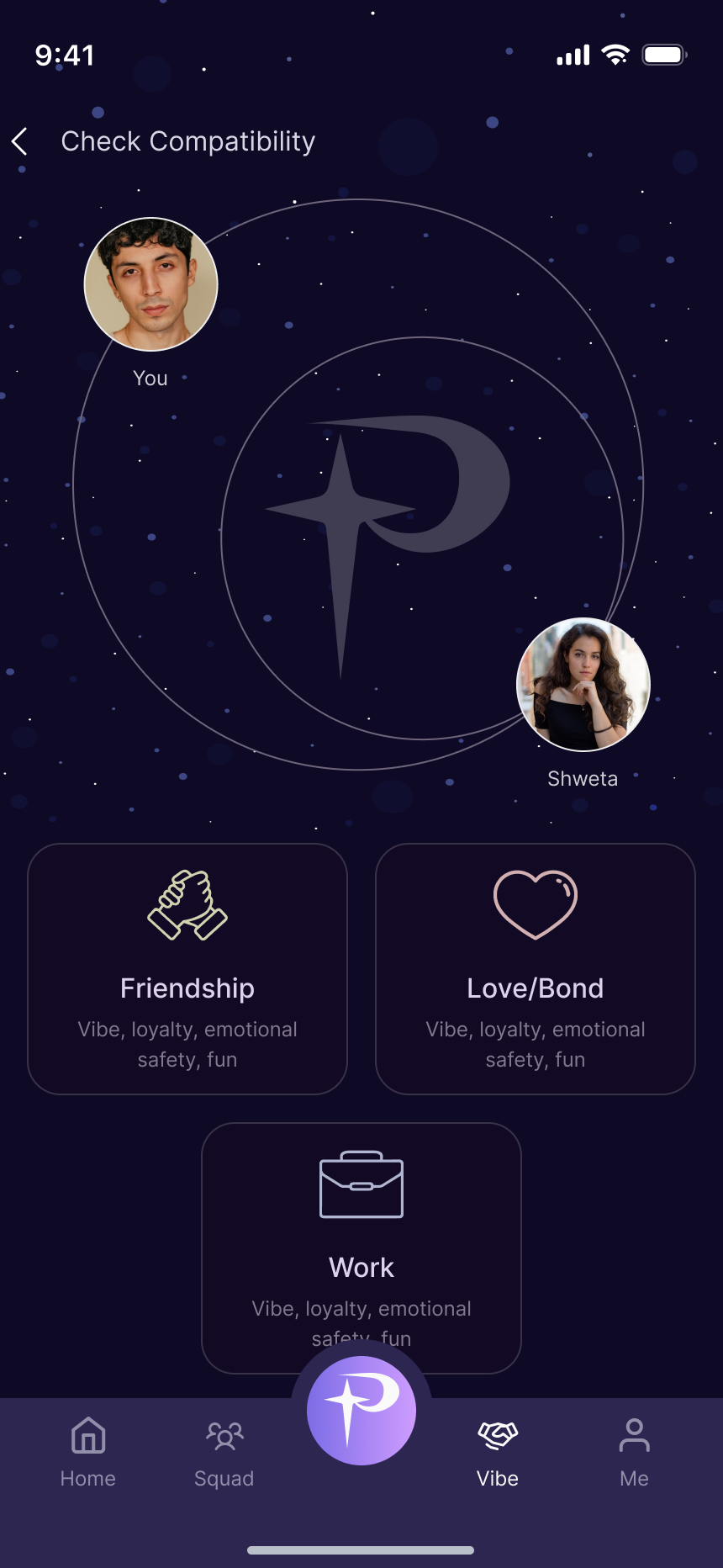
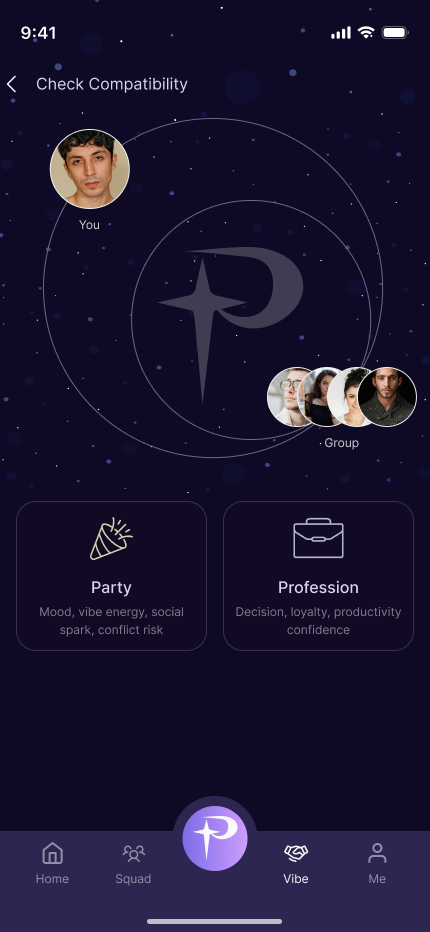
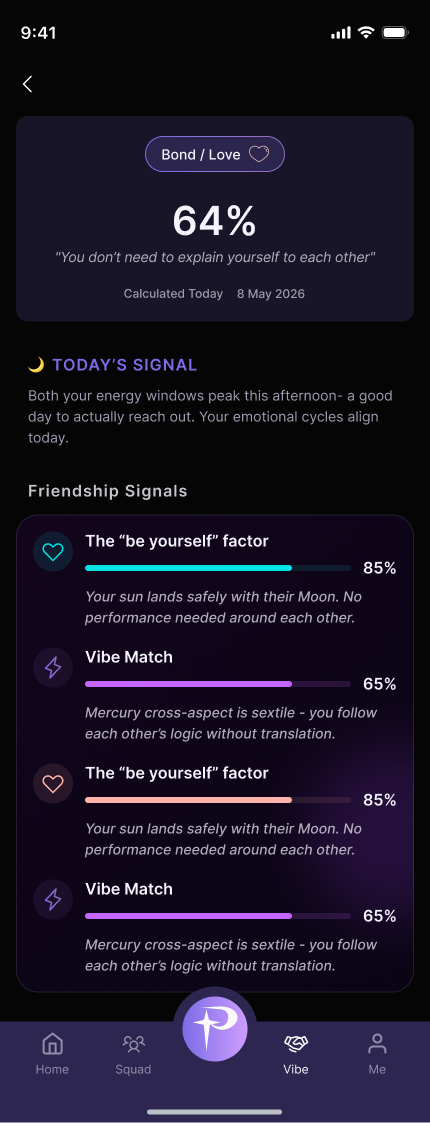
Connection and group compatibility journeys

  • Choose a connection or group.
  • Select the relevant compatibility category.
  • Review the detail view and available conversation actions.
Pulse connection compatibility categoriesPulse group compatibility categoriesPulse compatibility detail interface
View full-size screens: 1 ↗2 ↗3 ↗

06 / The project

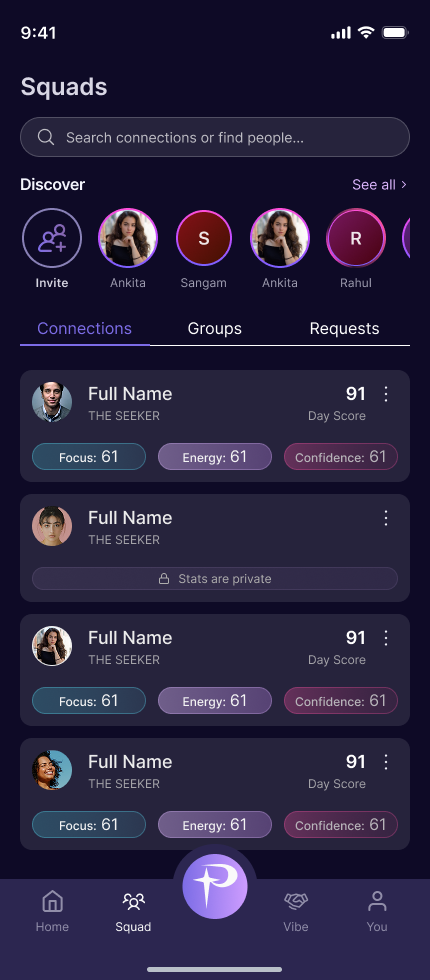
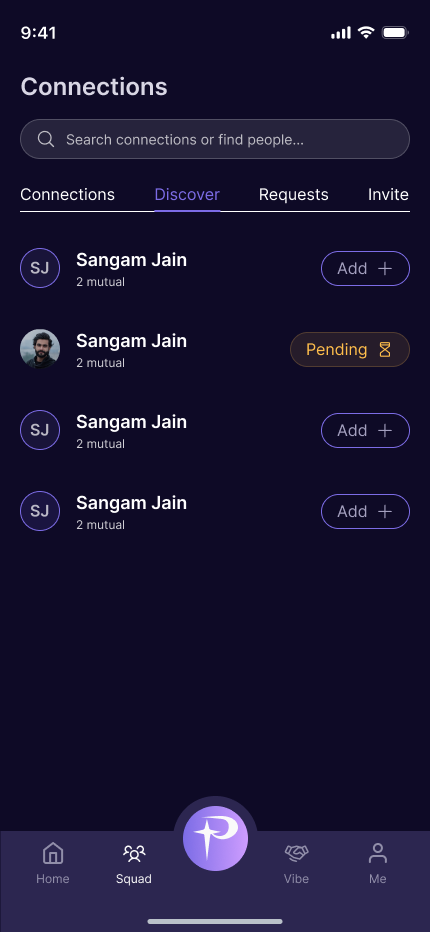
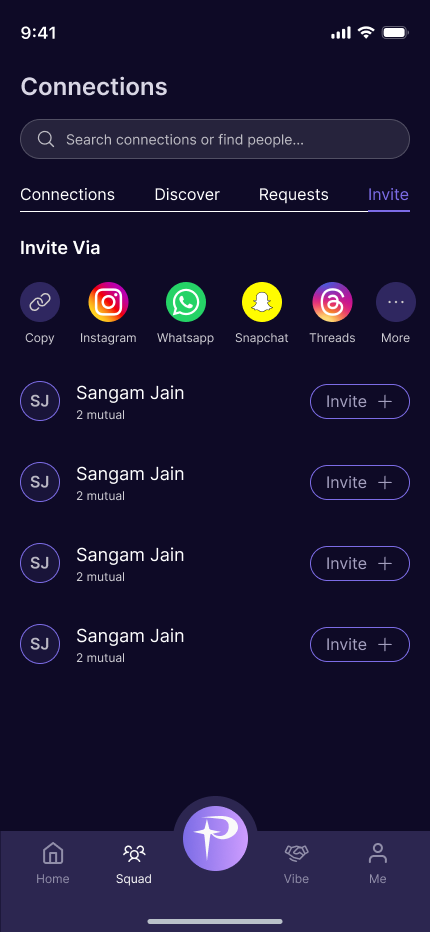
Manage connections, discovery and invitations

  • Browse existing connections and discover new people.
  • Send an invitation through the available sharing options.
  • Track pending and accepted connections.
Pulse squad and connection listPulse discover tab with connection requestsPulse invite connections and sharing options
View full-size screens: 1 ↗2 ↗3 ↗

07 / The project

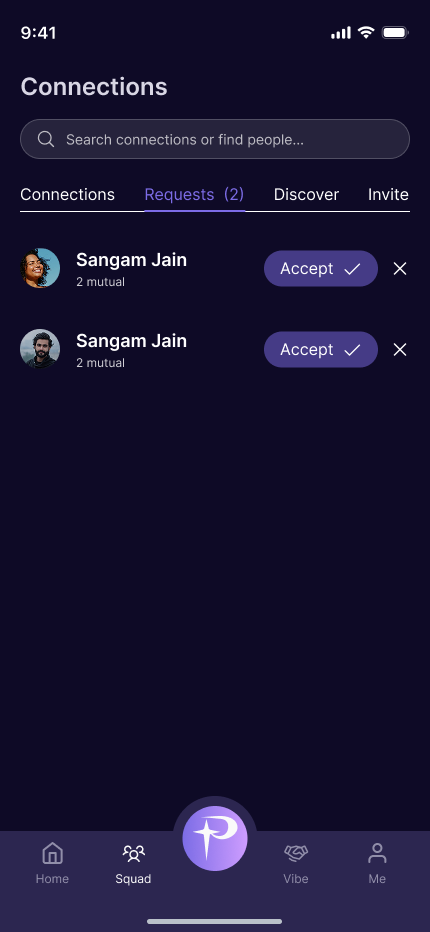
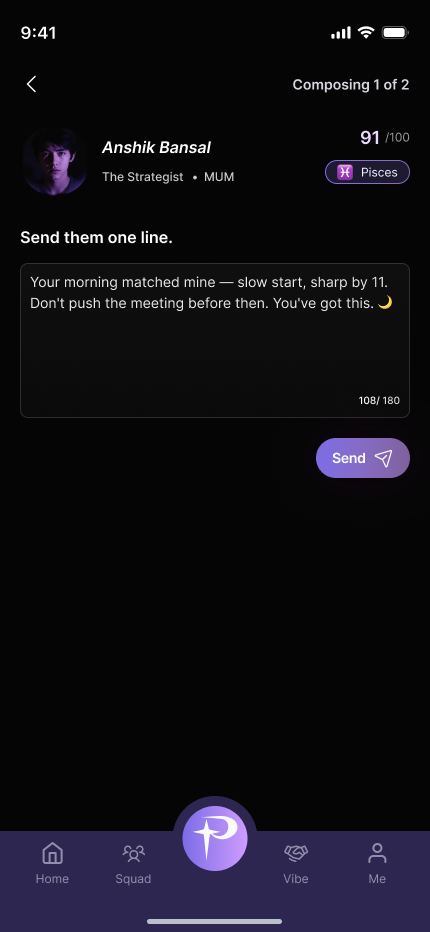
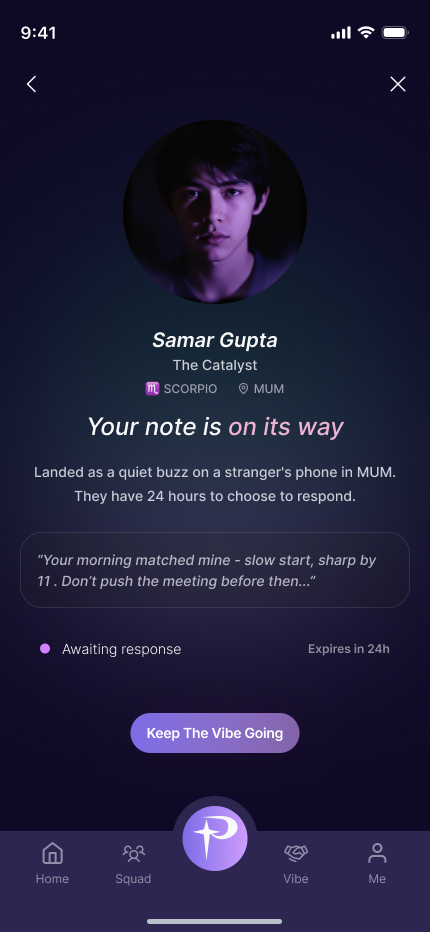
Connection requests and personal notes

  • Review incoming requests.
  • Compose and send a note to a connection.
  • Return to the sent-note status to follow the next step.
Pulse pending connection request actionsPulse compose and send a connection notePulse sent-note confirmation and response status
View full-size screens: 1 ↗2 ↗3 ↗

08 / The project

Discuss a personalised social app with Bizzeonline

  • Define the content and community experience.
  • Scope account, messaging and discovery requirements.
  • Agree privacy, moderation and acceptance criteria before delivery.

Questions about this project

What was the Pulse project about?

Pulse brings daily insights, personality cards, an assistant and social discovery into a mobile experience built around personal exploration.

What did the Pulse experience need to support?

Several ways to explore personal insights need a clear starting point and understandable movement between features. The app connects its home experience to insight cards, compatibility journeys, assistant interactions and profile settings.

Bizzeonline is a brand of Ackrolix. Project scope and visuals come from the shared delivery portfolio; this account has been edited for Bizzeonline. About the team.
Let's bring you ahead
the competition

Gain clarity, speed, and precision with intelligent systems built specifically for your workflows, not generic templates.

or send an email ✉

Request a Proposal

What is 4+5?
CallMailMessage